We’re sorry to see you go. Here’s how to permanently delete your MilkUp Vendor account and data.
What happens when you delete your account:
- All personal data (name, number, profile, activity history, etc.) will be permanently erased.
- You will lose access to subscriptions, purchases, or saved content.
- This action cannot be undone.
Deleting Your Account: A Step-by-Step Guide:
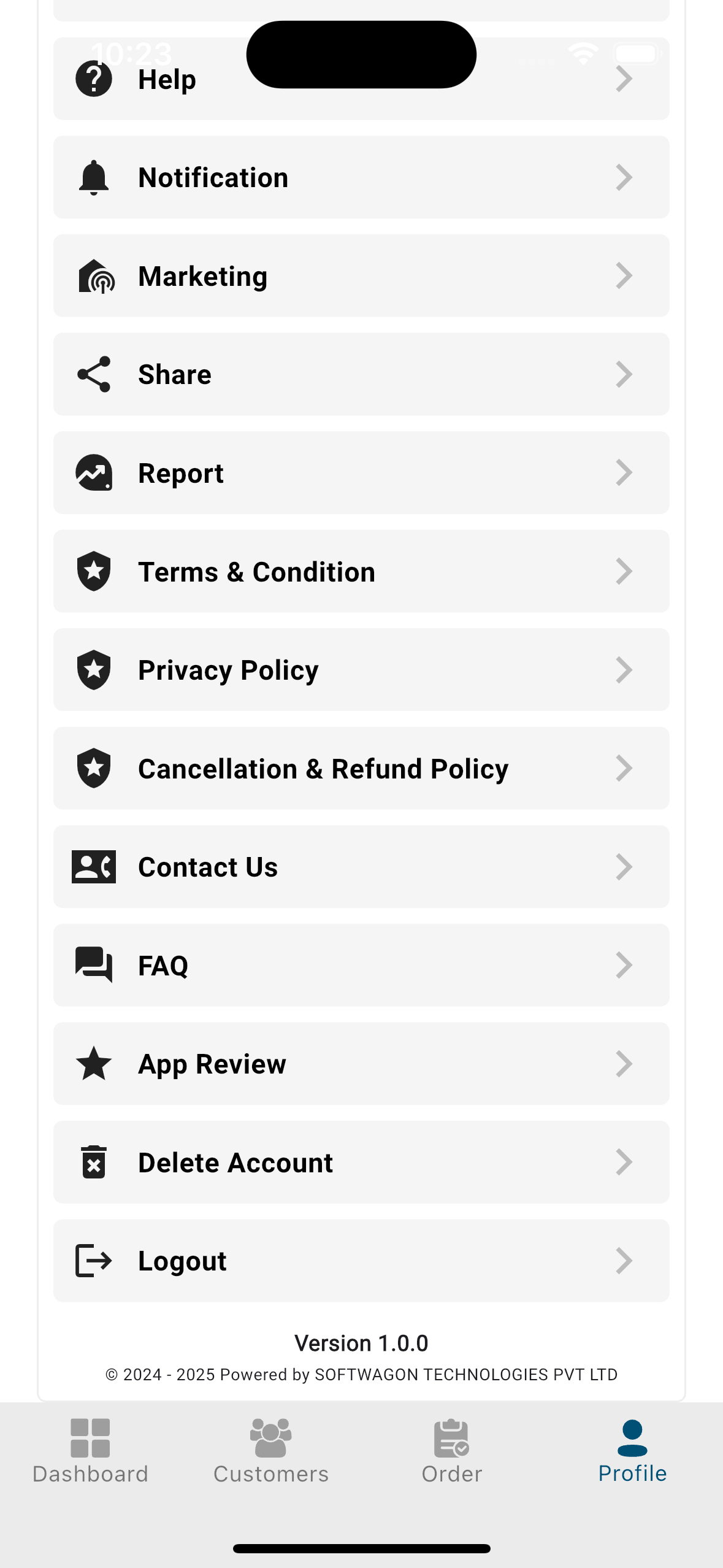
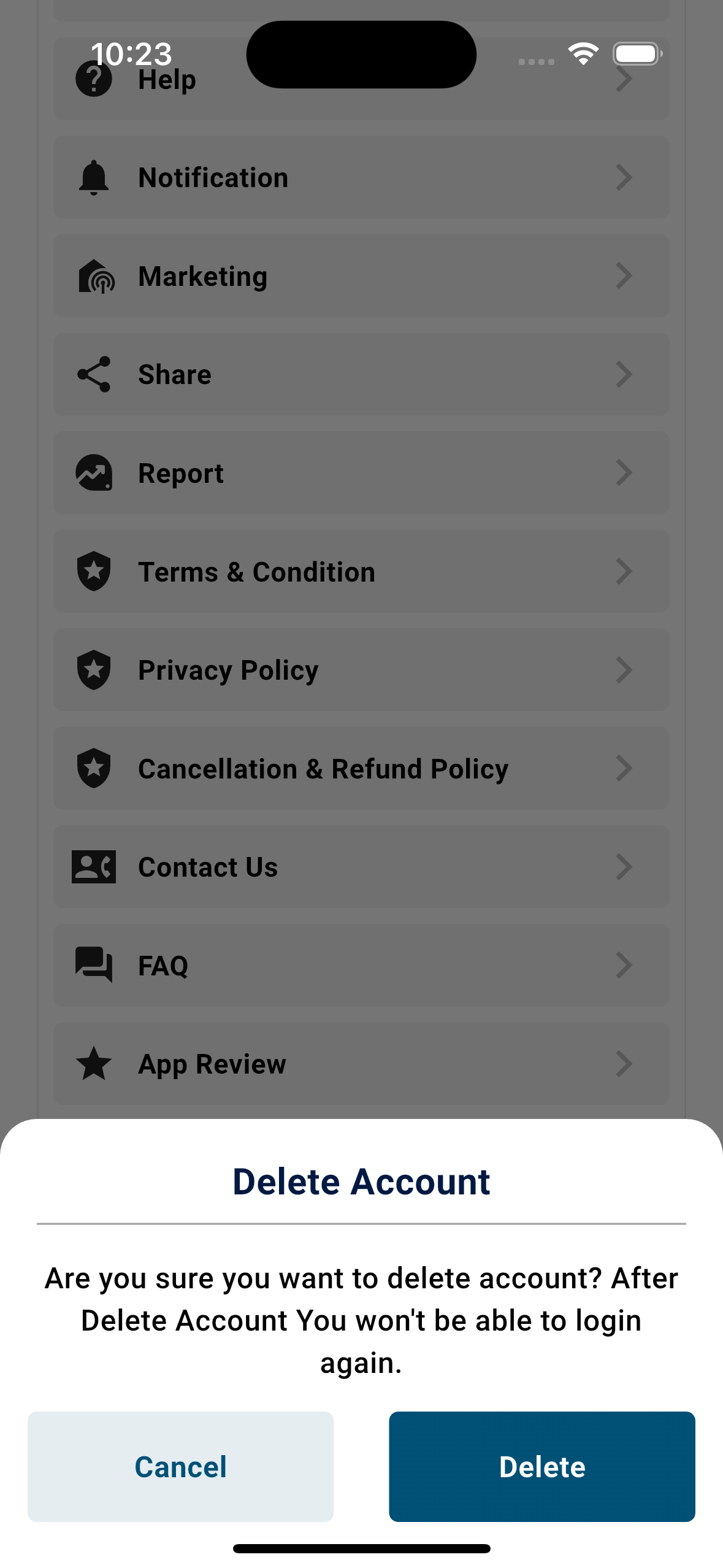
- Open the MilkUp Vendor app and go to : Settings → Profile → Scroll Down to Bottom → Delete
Account.
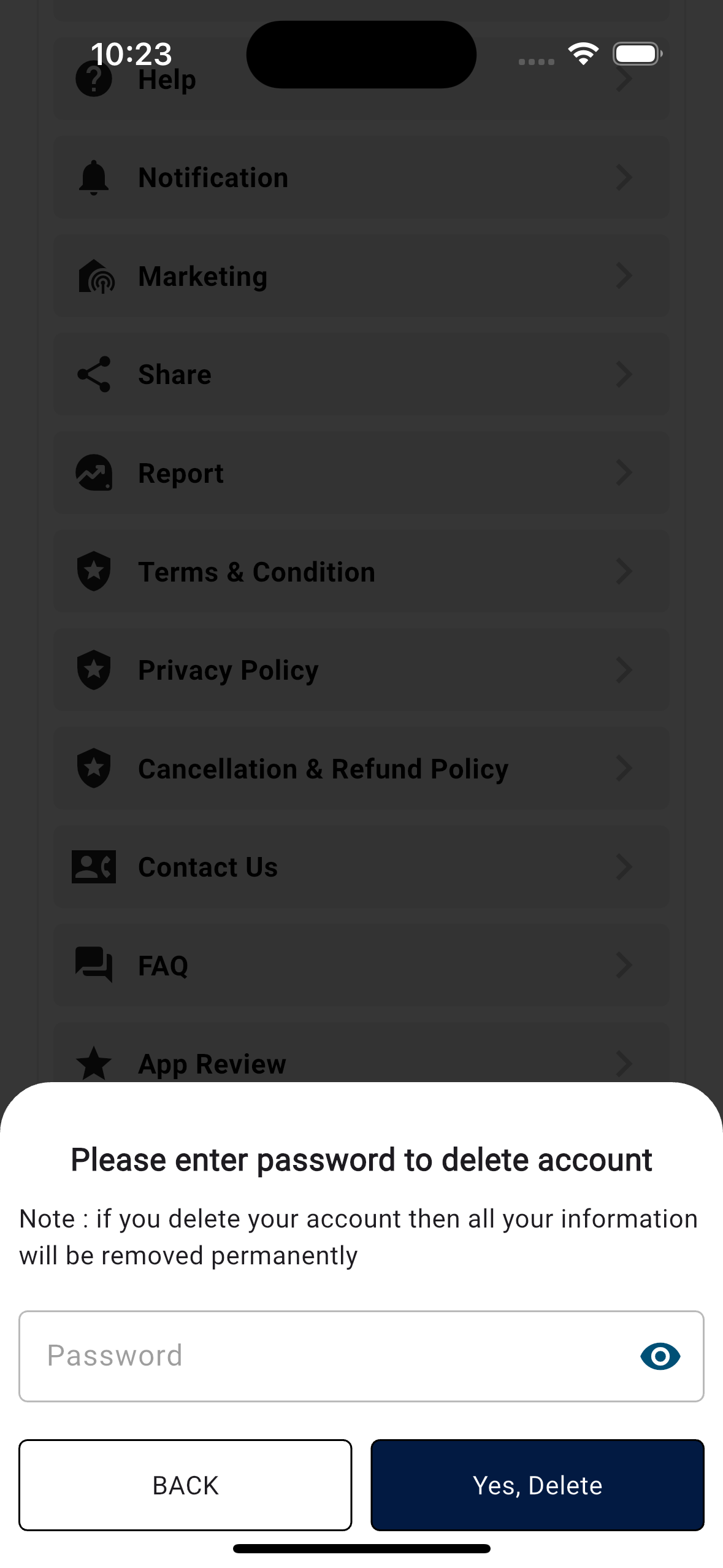
- Confirm deletion by entering your password.
- Once you enter the correct password and confirm, your account will be removed permanently.
- Or
- Request deletion via email: Email us at support@milkup.in
with the subject: "Delete My
Account".